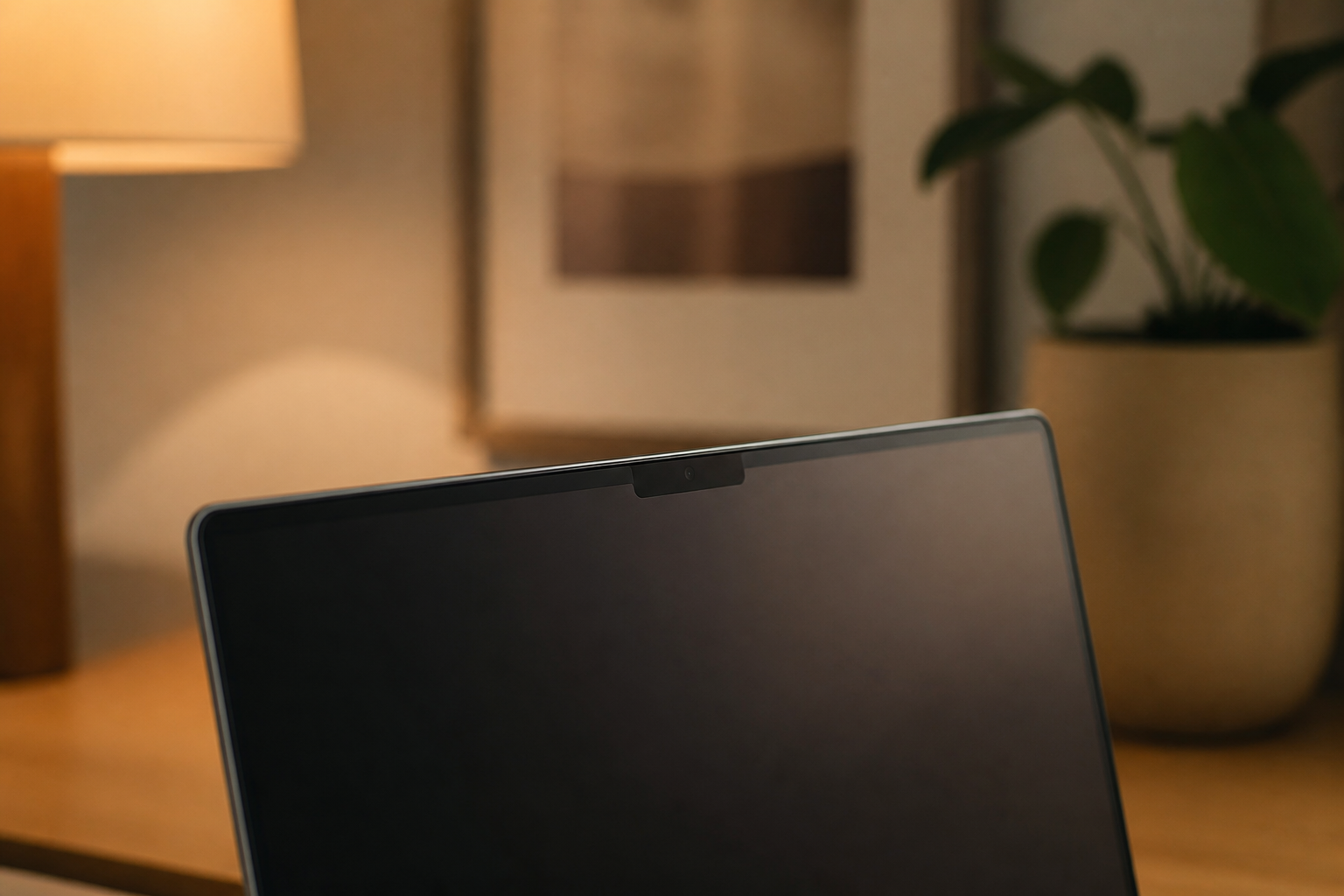
Crowny MacBook notch notifications for coding assistants
Crowny routes status updates and alerts from coding models directly into the MacBook screen notch. It is designed for developers running multiple background assistants simultaneously who need quick visibility on which process requires user intervention.
The Blend
A new Mac application called Crowny aims to turn the MacBook screen notch into an active dashboard for developer tools and daily tasks. According to the product's official website, the software routes background alerts directly to the top of the display. This allows users to monitor automated coding assistants, approve terminal commands, and track AI usage limits without leaving their primary application.
As programmers increasingly rely on multiple autonomous AI agents to write code or run background tasks, keeping track of process requests can quickly become distracting. Constantly switching back and forth between terminal windows disrupts focus and wastes time. By placing interactive controls into an area of the display that is usually blank space, tools like Crowny attempt to make managing complex background tasks as effortless as checking a wristwatch.
It remains uncertain how securely the application handles sensitive user data like clipboard history, or whether crowding the top of the display with notifications will end up creating a new form of visual distraction. Furthermore, relying so heavily on a specific laptop design choice highlights a broader question: if computer makers decide to eliminate or redesign the hardware camera notch in future updates, desktop tools built entirely around it risk becoming obsolete overnight.
Written independently by AI News Smoothie from the reporting listed below. Facts belong to the original publishers. Follow the links for their full coverage.
Ingredients
- Crowny: the notch app for your MacBook
Crowny turns the MacBook screen notch into an interactive hub for approving coding agent commands and tracking background tasks.