
How toAgents & ToolsThere's An AI For That · 2h ago
Visualizing what ChatGPT has stored in its long term memory
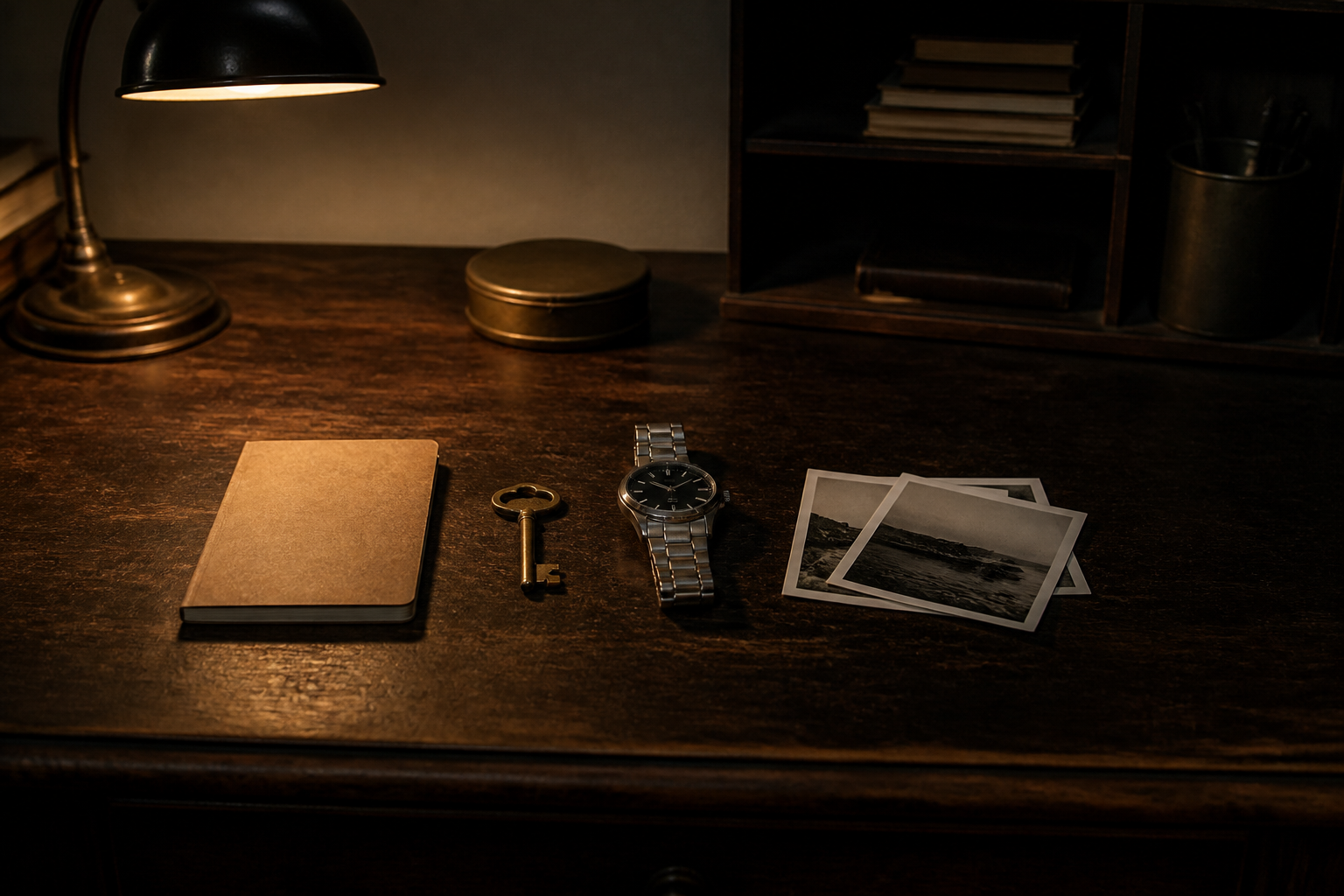
You can request ChatGPT to generate a visual depiction of the personal details it has remembered about you over past conversations. This provides an easy way to audit stored memory items and remove details you prefer to keep private.
Try it yourself
- 1Copy or download an image of a clean, empty room.
- 2Open a new conversation in ChatGPT with the memory feature turned on.
- 3Paste the empty room picture into the chat window.
- 4Ask the chatbot to populate the room with representations of everything it knows about you.
- 5Review the resulting graphic to see what saved information appears on screen.
- 6Access Personalization settings under Manage Memories to clear unwanted entries.
OpenAI
Read the original