
How toAgents & ToolsSuperhuman · 3h ago
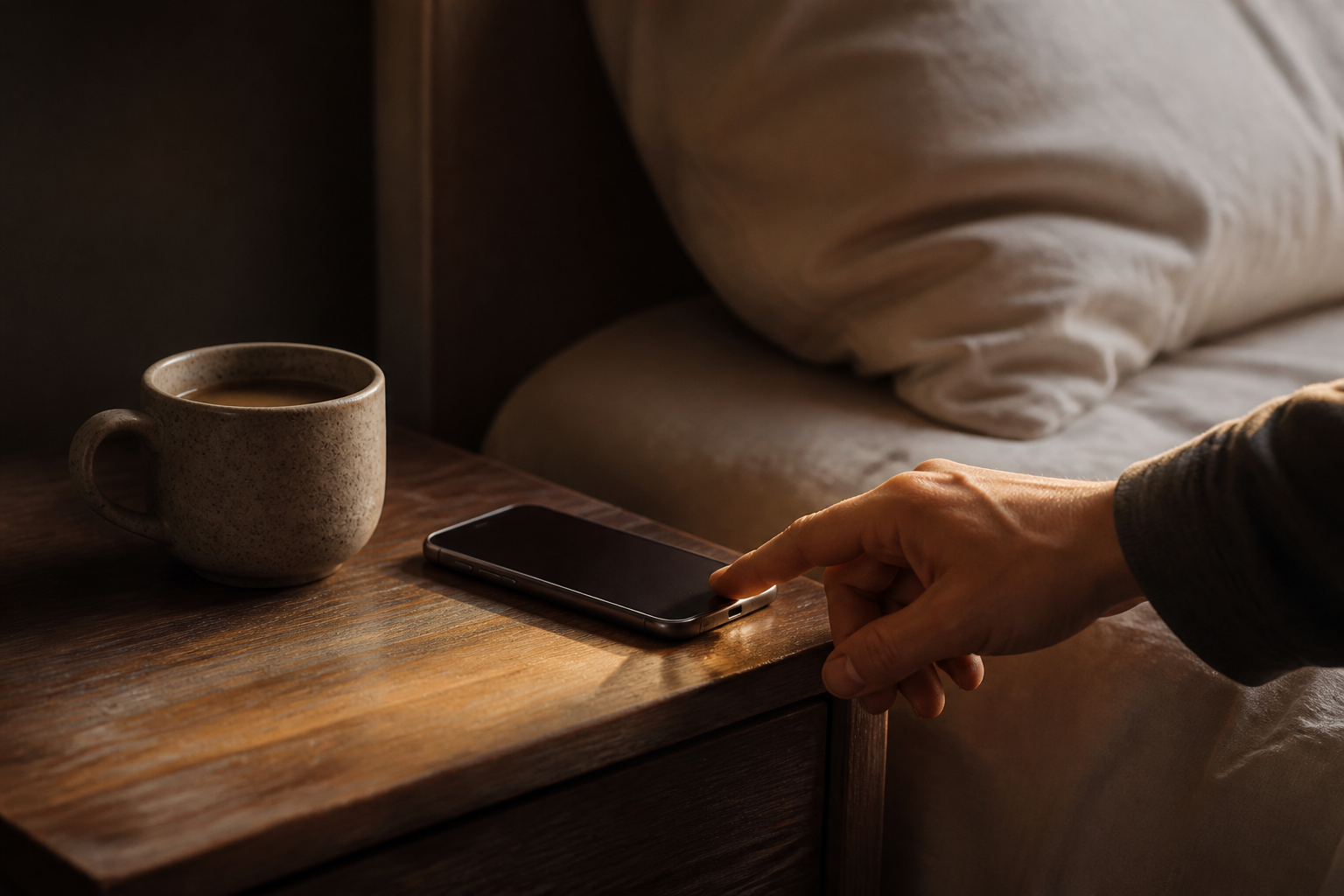
Trigger an automated morning agenda briefing using your iPhone physical button
Learn how to configure a custom voice assistant to deliver a hands free summary of your day's schedule, key messages, and immediate priorities. Connecting your work tools to a shortcut trigger lets you hear a quick briefing every morning with a single button press.
Try it yourself
- 1Install and update Grok Bot on your iPhone, starting a voice chat once to approve mic access.
- 2Create a dedicated bot for your morning routine and connect your calendar, email, and messaging accounts.
- 3Provide clear instructions outlining what information the assistant should summarize, such as schedule items and top priorities.
- 4Navigate to iPhone Settings, open Action Button options, and set the shortcut to trigger the custom voice action.
- 5Press and hold the Action Button each morning and request your update aloud.
Copy this prompt
When I ask for my morning brief, review today's calendar, recent important messages, outstanding follow ups, and active priorities. Give me my top 3 priorities, meetings I need to prepare for, anything overdue or blocked, and one recommended first action. Keep the briefing under 2 minutes and prioritize anything time sensitive.
AppleSlack
Read the original