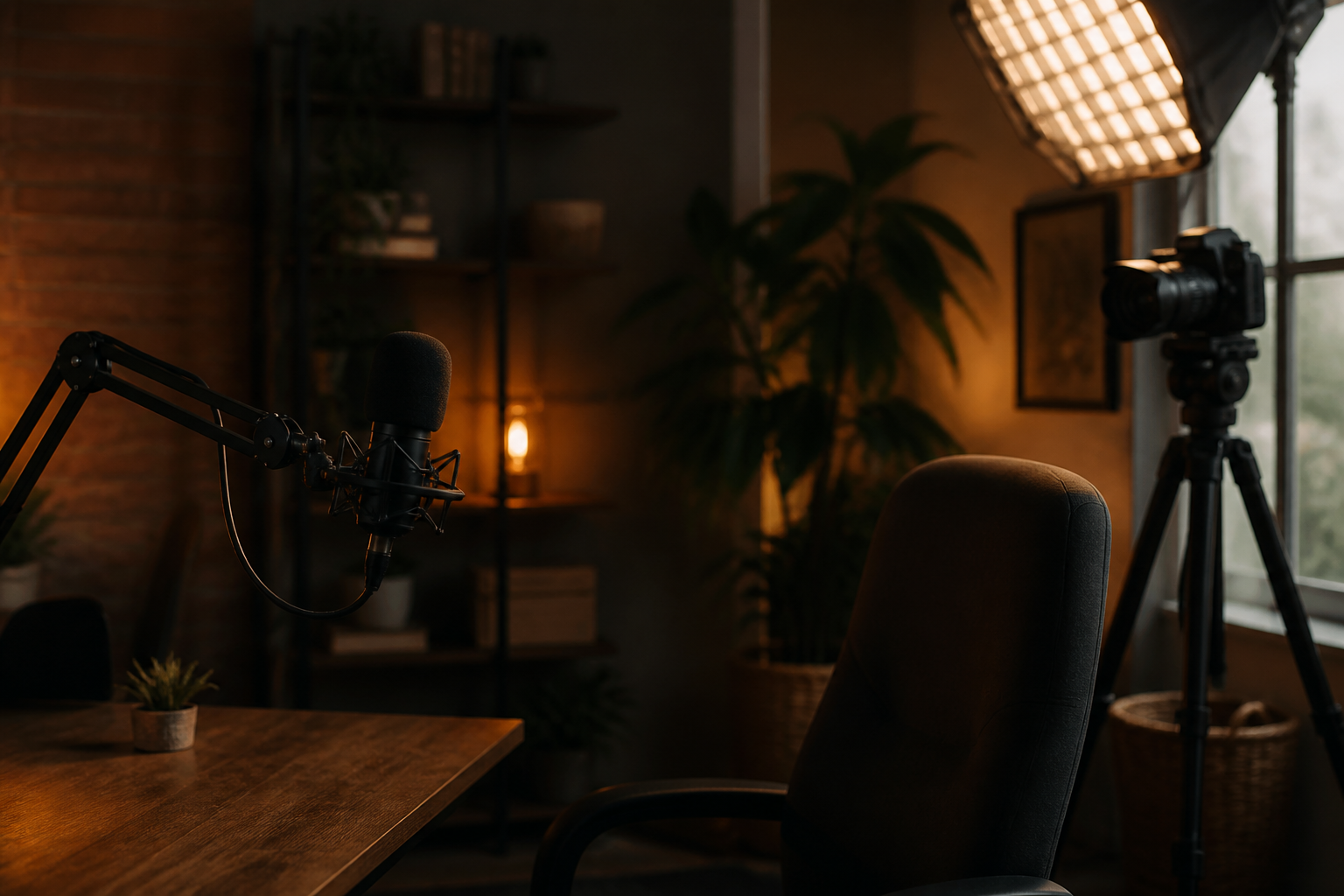

Riverside AI B-roll generator
Riverside provides AI video generation directly within its recording studio using Google Veo 3 technology. Users type a descriptive scene prompt to instantly insert custom background footage onto their video timeline.
The Blend
Video editing platform Riverside has integrated artificial intelligence capabilities to create video background clips directly inside its editing workflow. According to Riverside's documentation, users can generate customized visual elements by typing a text description of the scene they need, which automatically inserts background imagery into the video timeline.
This development offers a practical shortcut for independent content creators, podcasters, and small business marketers who regularly produce video content. Finding suitable background clips usually requires purchasing expensive stock footage subscriptions or spending hours filming secondary footage. Generating tailored visuals from a text prompt allows solo creators to elevate the visual quality of their productions with minimal effort.
However, questions remain regarding how naturally these synthetic clips will blend into authentic human recordings. If the generated imagery looks too artificial or fails to match the lighting of the main video, it could alienate viewers rather than engage them. Content platforms may also face broader questions about whether audience trust will erode as synthetic elements become seamlessly mixed into standard commentary videos.
Written independently by AI News Smoothie from the reporting listed below. Facts belong to the original publishers. Follow the links for their full coverage.
Ingredients
- Riverside AI features: Create high quality content fast with AI
Riverside introduced an AI feature that generates tailored background video clips from text prompts directly inside its editing timeline.