
How toCreative & CultureSuperhuman · 2h ago
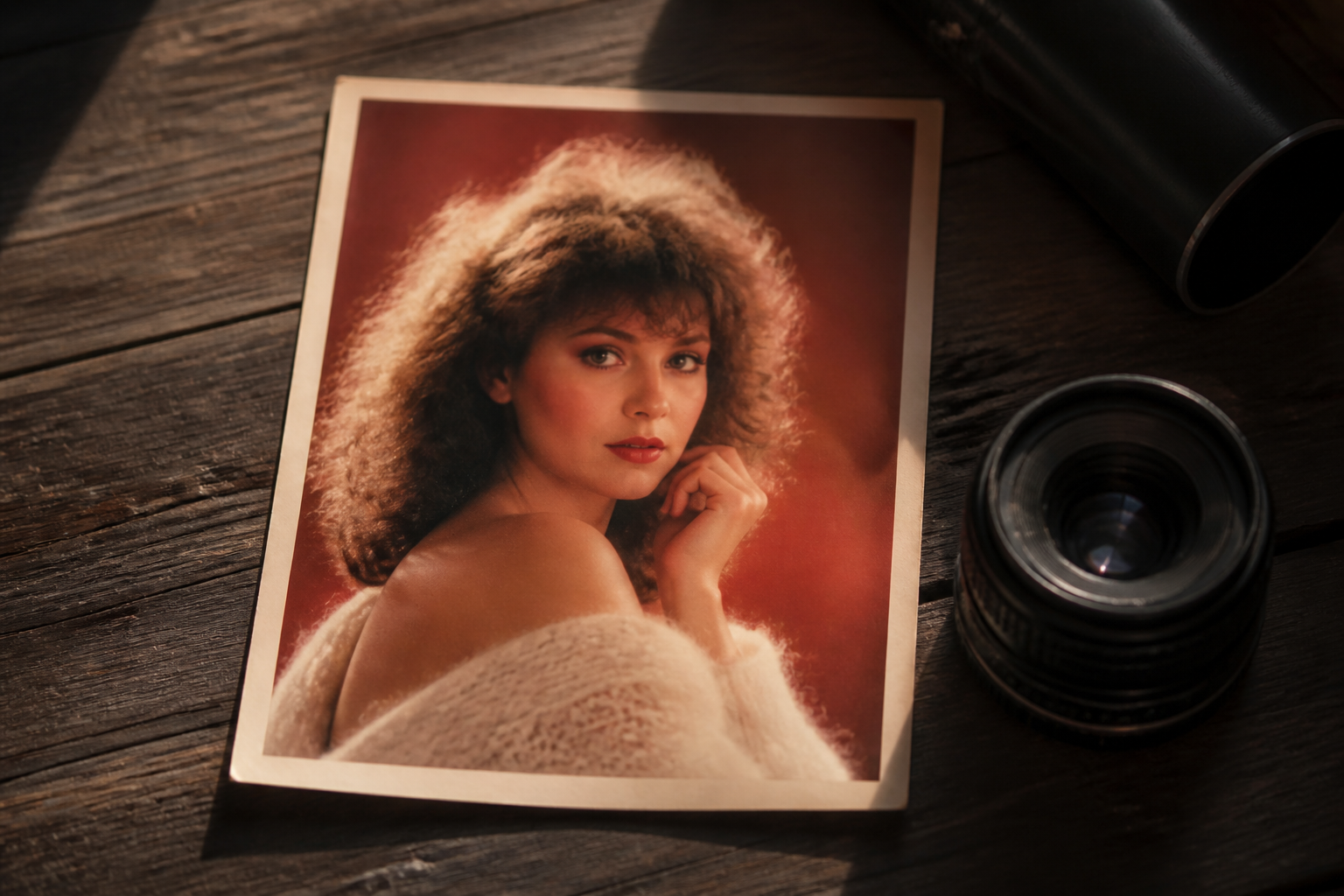
Recreate vintage photo studio portraits using ChatGPT image generation
This guide demonstrates how to generate retro 1980s styled studio portraits using ChatGPT while maintaining your facial likeness. Readers will learn how to prompt image models effectively and refine stylistic details for authentic results.
Try it yourself
- 1Open ChatGPT and select the image generation feature.
- 2Upload a well lit, clear facial photo of yourself.
- 3Submit a detailed prompt specifying 1980s hairstyles, soft studio lighting, vintage clothing, and film texture.
- 4Review the image output to confirm your facial identity and skin tone are preserved.
- 5Issue follow up requests to modify hair size, background style, or film grain intensity.
- 6Experiment with distinct themes such as yearbook pictures or retro nightlife shots.
Copy this prompt
Transform this photo into a realistic 1980s portrait. Keep my face, skin tone, age, and recognizable features consistent. Give me period appropriate 1980s hair and clothing, soft studio lighting, slightly faded colors, subtle 35mm film grain, and natural skin texture. Use an authentic retro studio backdrop and make it look like a real photograph taken in 1985, not a modern image with a vintage filter. Avoid modern objects, logos, and overly exaggerated effects.