
How toCreative & CultureSuperhuman · 3d ago
Animate your portrait into a repeating reaction GIF using ChatGPT
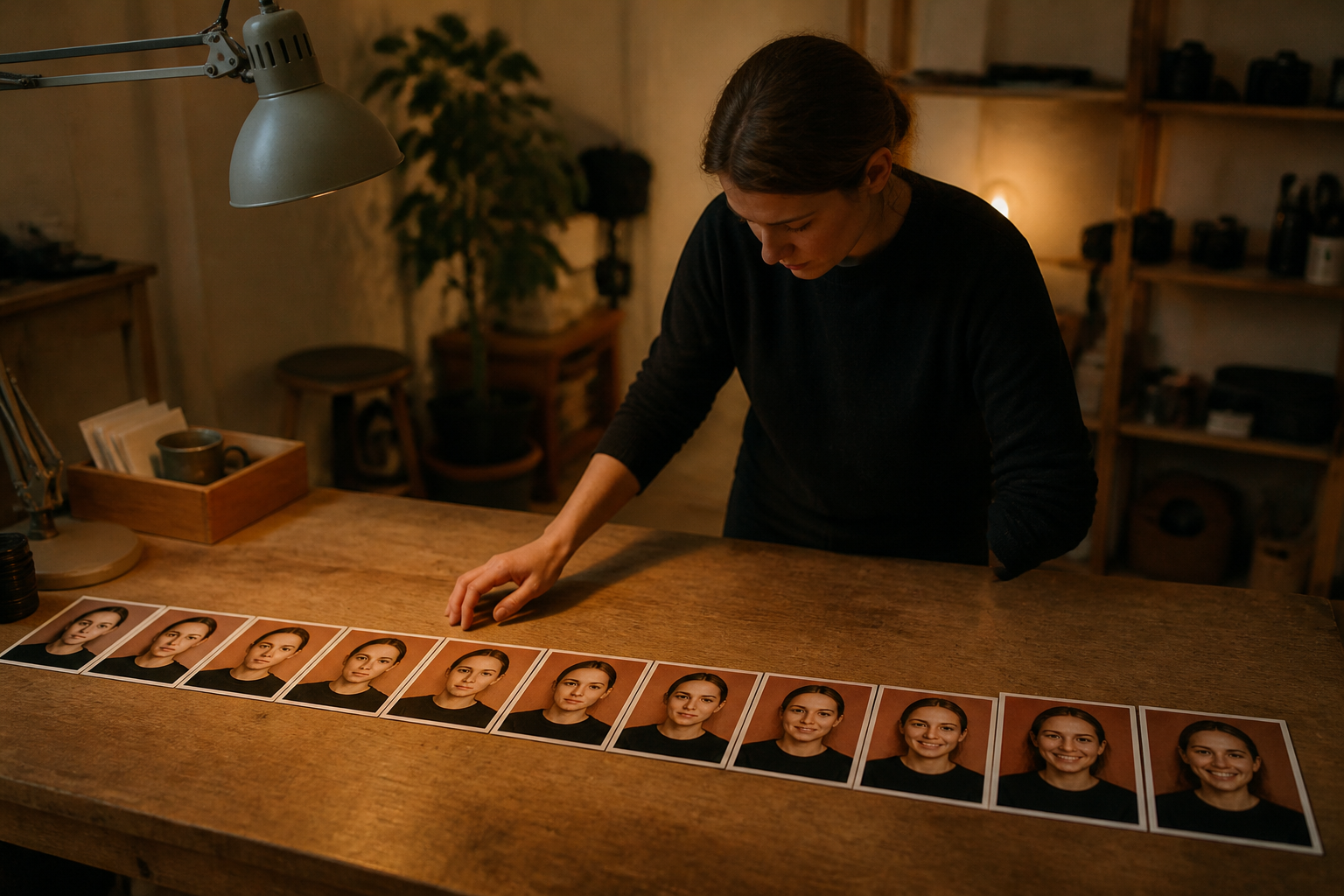
You can transform any standard portrait photo into a smooth, custom looping animation to use in messages and social channels. Following this method ensures your facial features and wardrobe stay stable while acting out a specific emotional cue across structured motion stages.
Try it yourself
- 1Navigate to the Images section inside ChatGPT and upload a clear picture of your face.
- 2Submit a prompt requesting that the portrait be turned into a repeating GIF showing your target reaction.
- 3Detail the emotional arc across six beats from a neutral start to an intense peak and back to the original pose.
- 4Specify that the camera angle, clothing, background, and facial identity remain locked in place.
- 5Review the resulting file, fine tune the timing, and iterate with more precise constraints if elements wander.
Copy this prompt
Transform this uploaded photo of me into a seamless looping reaction GIF illustrating [describe reaction]. Maintain complete consistency in my facial appearance, hair, attire, and background setting. Structure the sequence across six clean stages: start neutral, notice something, begin reacting, hit an exaggerated peak reaction, begin recovering, and transition back smoothly to the starting stance. Keep the camera perspective stationary and ensure the loop repeats without visual jumps.
OpenAI
Read the original